

Convert PDFs and scans to editable Word
Real paragraphs, lists and tables, with no text boxes to clean up. Translate into 111 languages too.
- Upload
- Choose pages
- Convert
Upload a PDF
or drop a PDF or image here
- 1 page free, no account
- PDF, JPG, PNG · 50 MB
- Deleted after 24 h (how we handle your files)
0 vs 631
Frames and text boxes in OrigaDoc’s Word files vs a leading desktop OCR program’s, on 11 real scans. See them
Real conversion, unedited
A handwritten counseling form
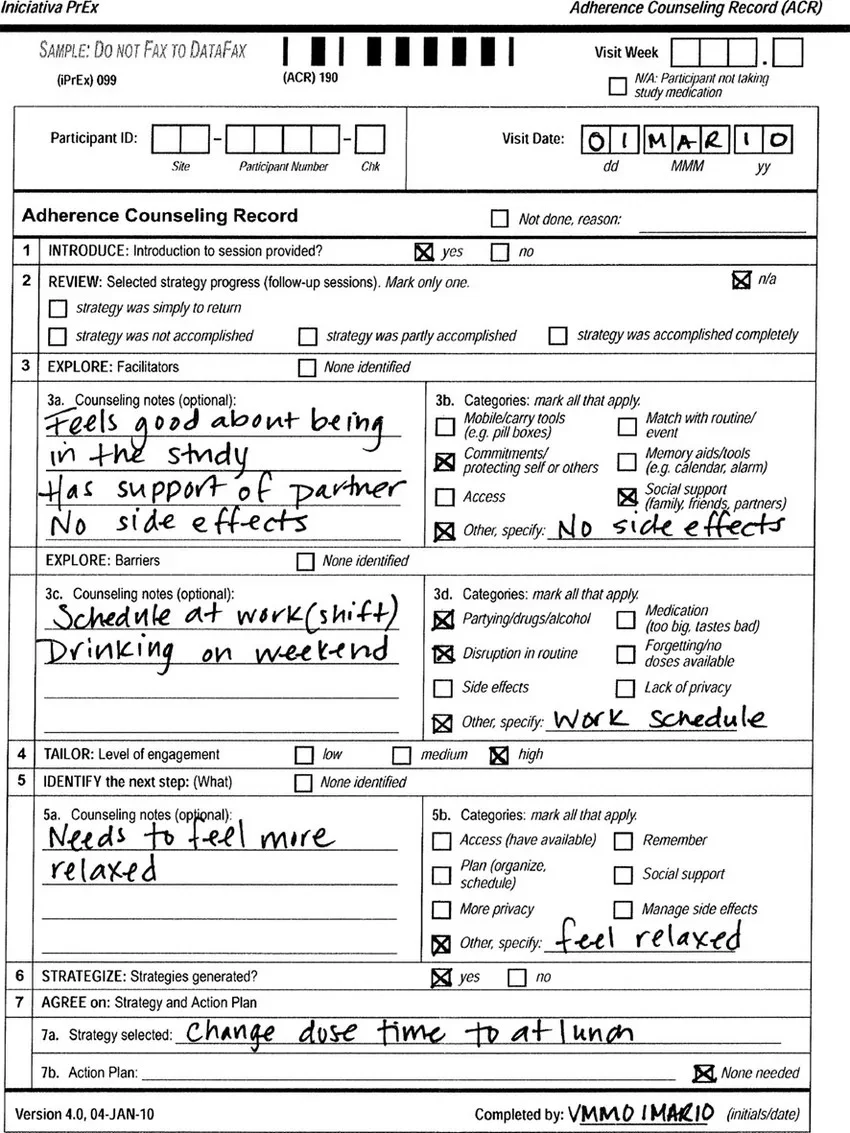
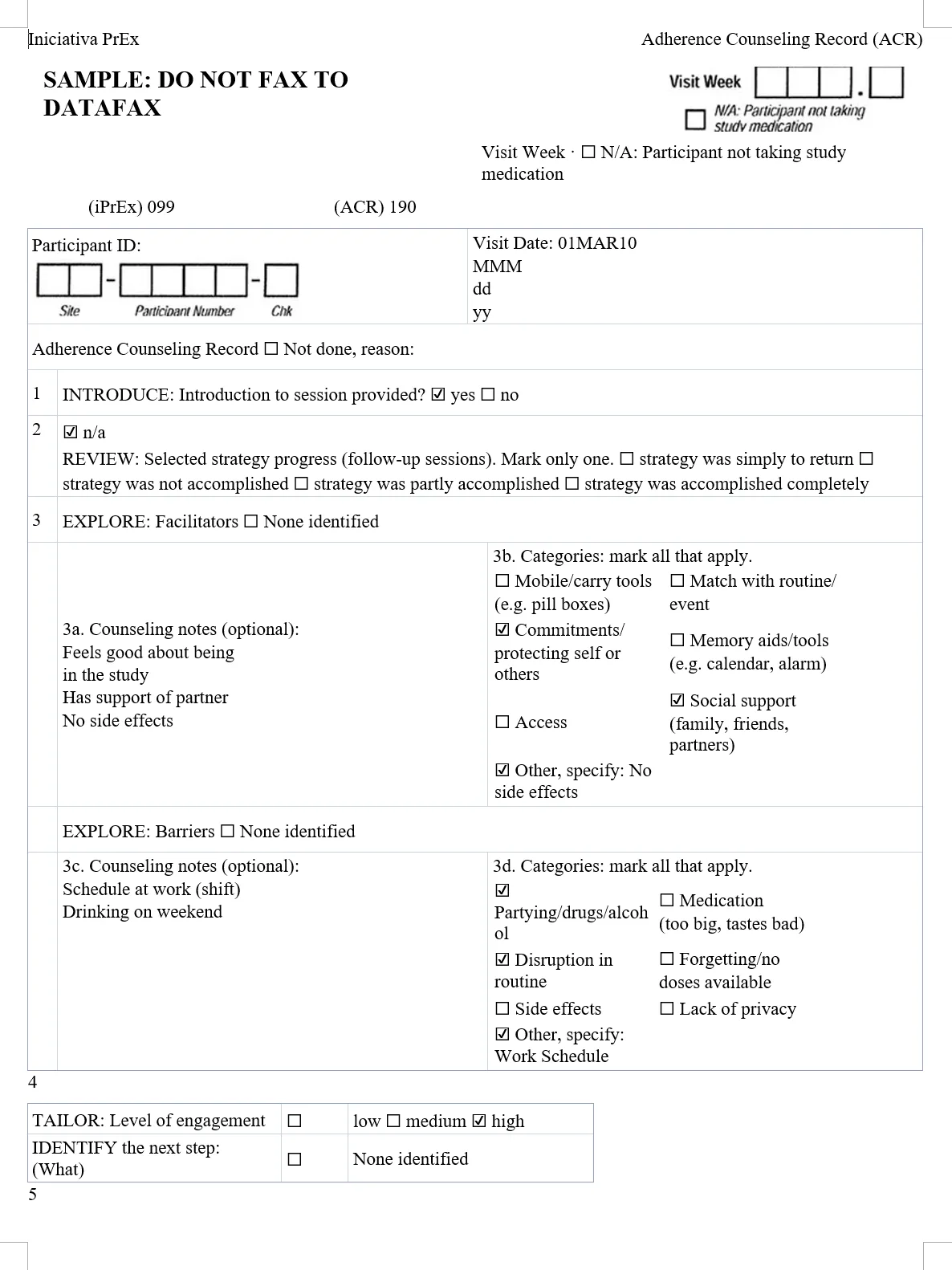
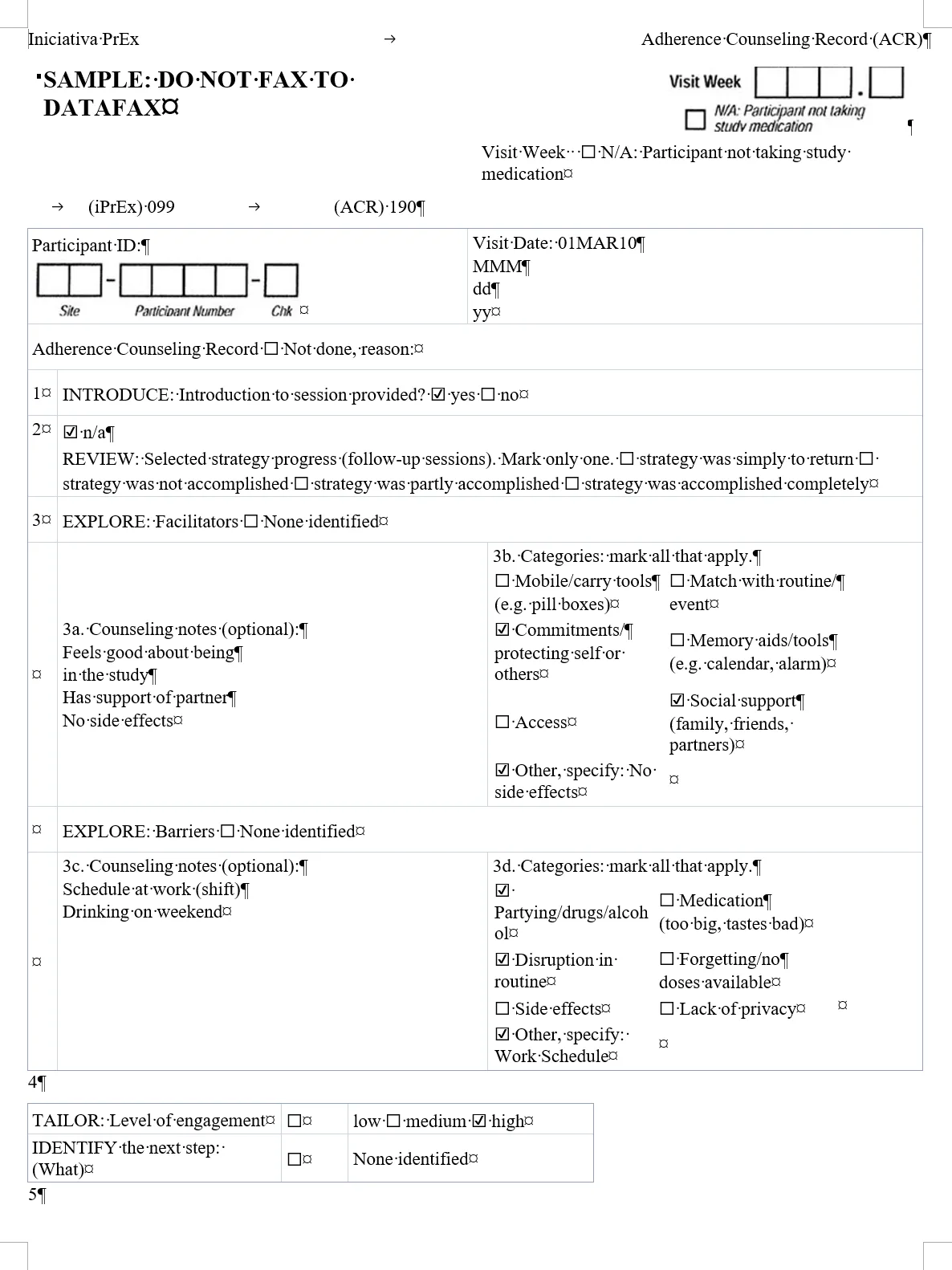
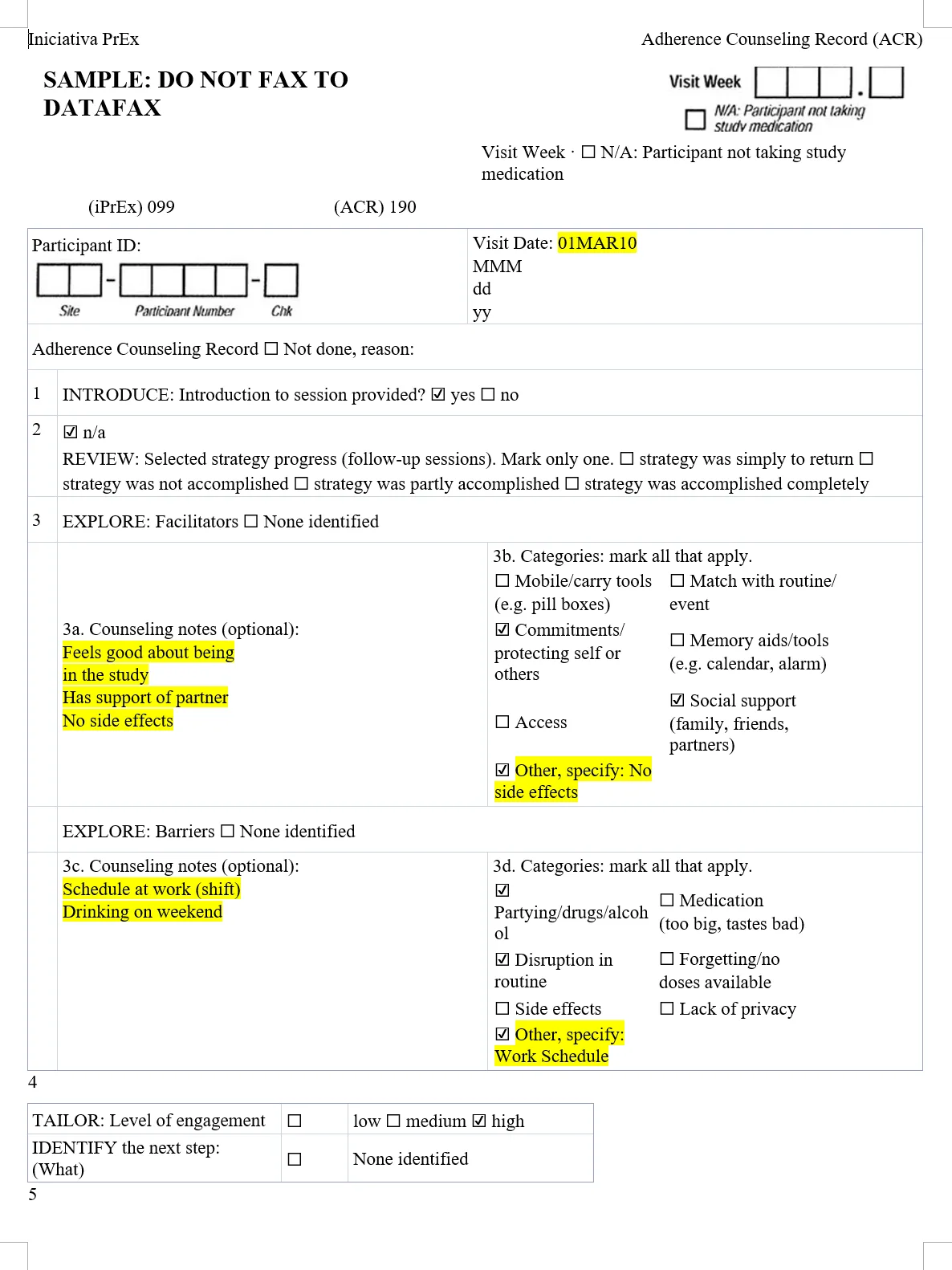
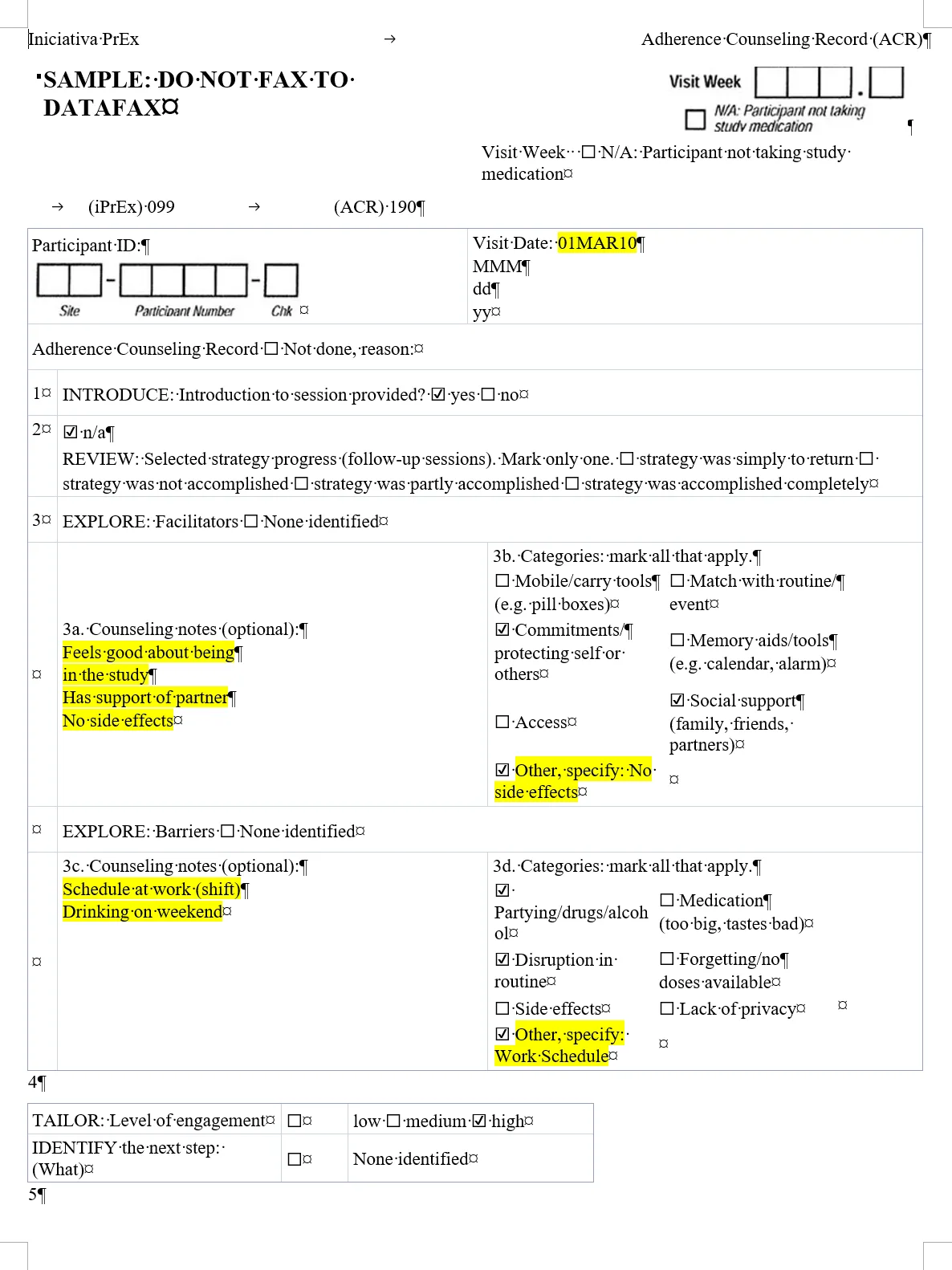
Handwriting as typed text, inside a real Word table.
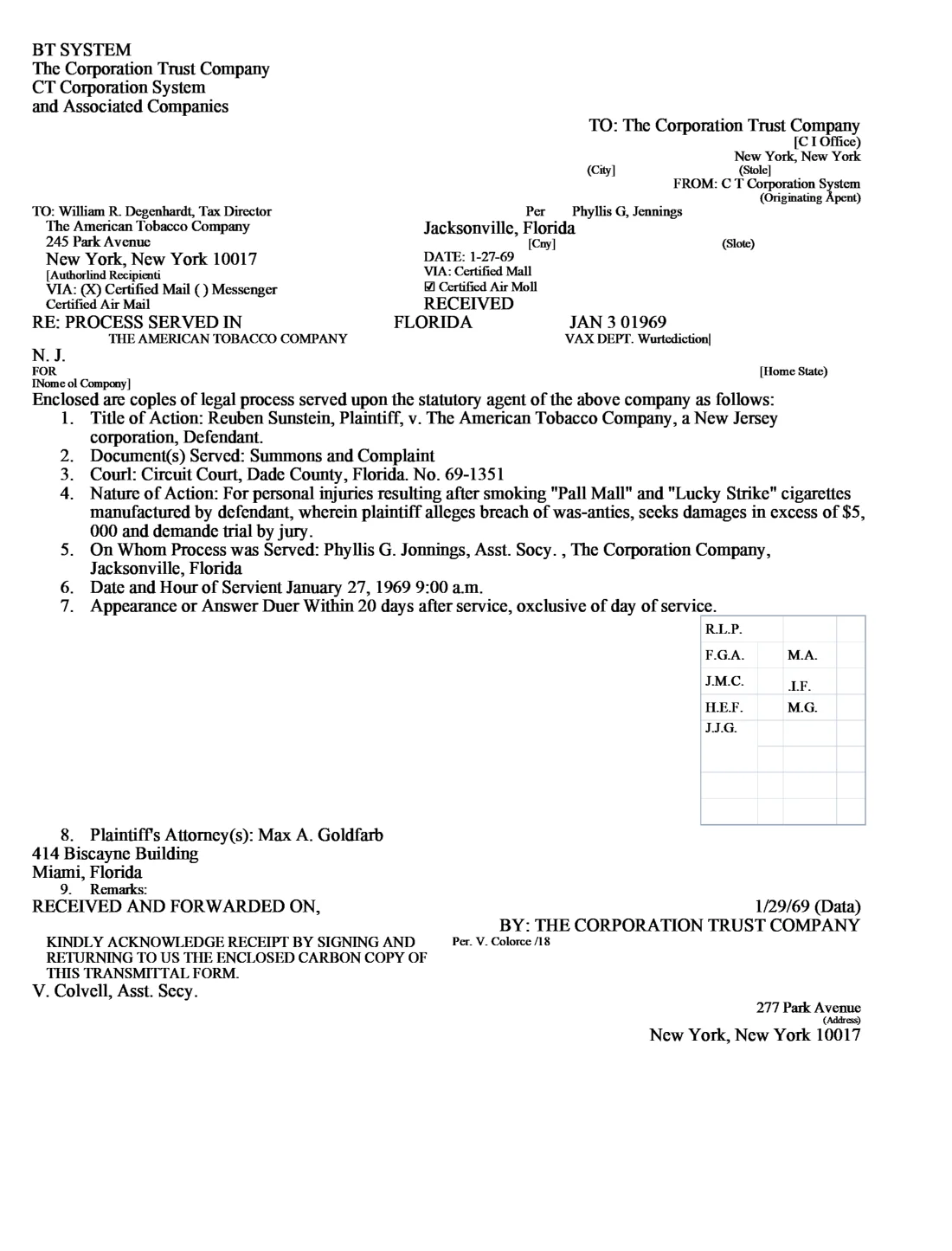
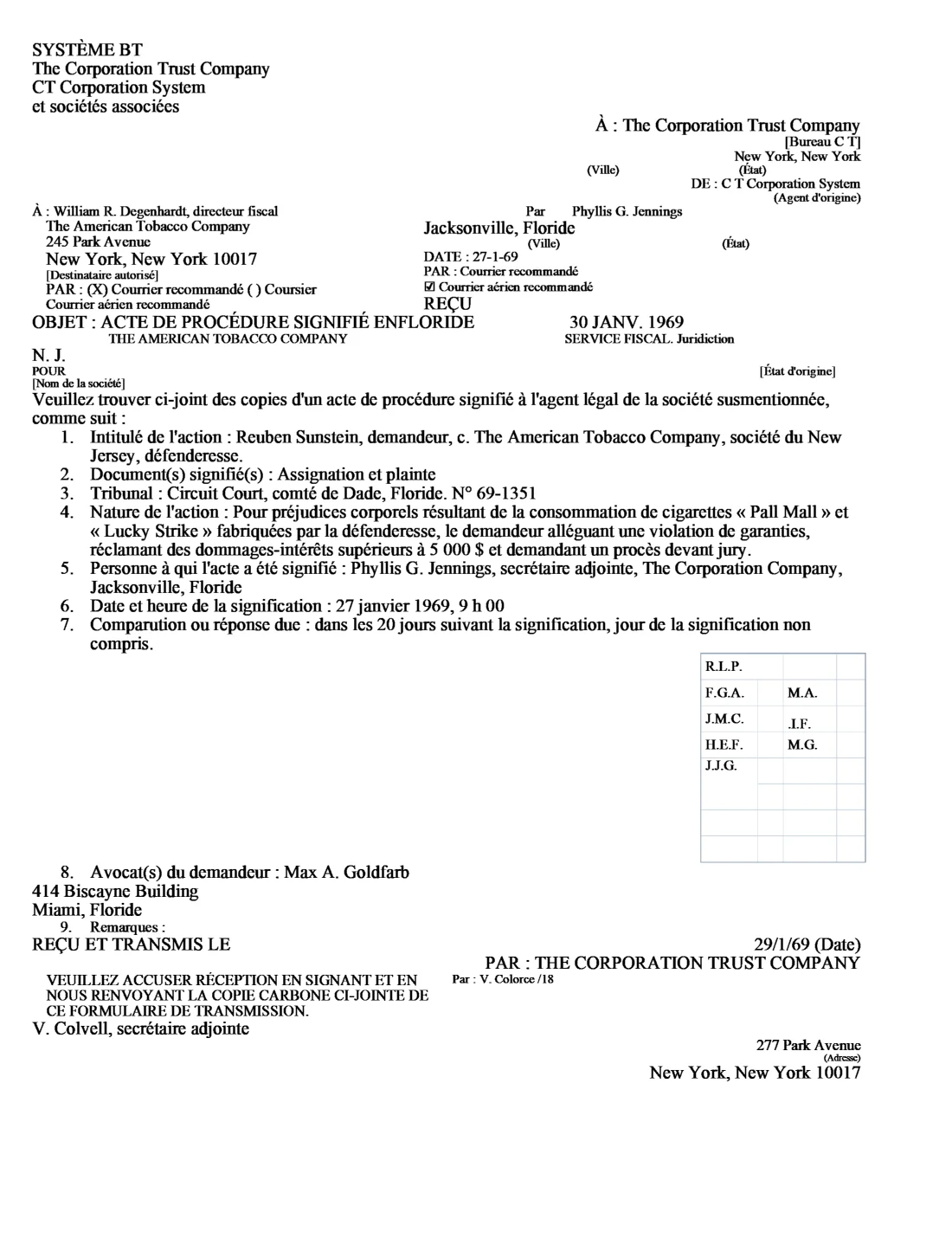
Why OrigaDoc
- No text boxes
- Ready to translate
- Uncertain words flagged
- Handwriting to text
- Redactions stay hidden
- Private by default
Who it’s for
PDF to Word questions
What kinds of files work?
Digital and scanned PDFs, and images (JPG, PNG, WebP, GIF or BMP), up to 50 MB. Low-quality scans may need checking.
Will the Word file look exactly like my PDF?
Not exactly: it flows like a normal Word document, and fonts and spacing can change. Turn on Keep page breaks to start each PDF page on a new Word page.
What about recognition mistakes?
Words read with low confidence, or read differently elsewhere in the document, are listed for you to check, with a suggestion when there is one. Your text is never changed for you.
Can it read handwriting?
Yes, handwritten notes and form entries become editable text. Clear handwriting works best. Highlight handwritten text marks it in Word for review.
What happens to my files?
Only you can download them. They’re deleted automatically, after 24 hours for the free page, or on your plan’s schedule. See the privacy policy.
Try it on your own document
Your first page is free. No account, no card.
Choose a file