

Clean Word source files from any PDF or scan, for translators and agencies
Plain Word paragraphs and tables, with no frames to overflow. Translate here or in your own tools.
- Upload
- Choose pages
- Convert
Upload a PDF
or drop a PDF or image here
- 1 page free, no account
- PDF, JPG, PNG · 50 MB
- Deleted after 24 h (how we handle your files)
Measured on real scans
- 0frames or text boxes in OrigaDoc’s Word files
- 631frames and text boxes in a leading desktop OCR program’s Word files
- 11 scanscompared side by side
Translation: 1 credit per 2,000 characters (1,000 for CJK). See pricing
Why translators and agencies use OrigaDoc
-
Text that re-wraps
No frames or text boxes, so longer translations never overflow.
-
Reading order
Paragraphs, lists and tables reach your CAT tools in the right order.
-
Less prep
Nothing to unlink or delete before you quote or pre-translate.
-
Translation built in
Up to 5 of 111 languages at once. See the price first.
Worked example
A scanned notice, translated into French
Converted and translated by OrigaDoc, not edited (1 credit).
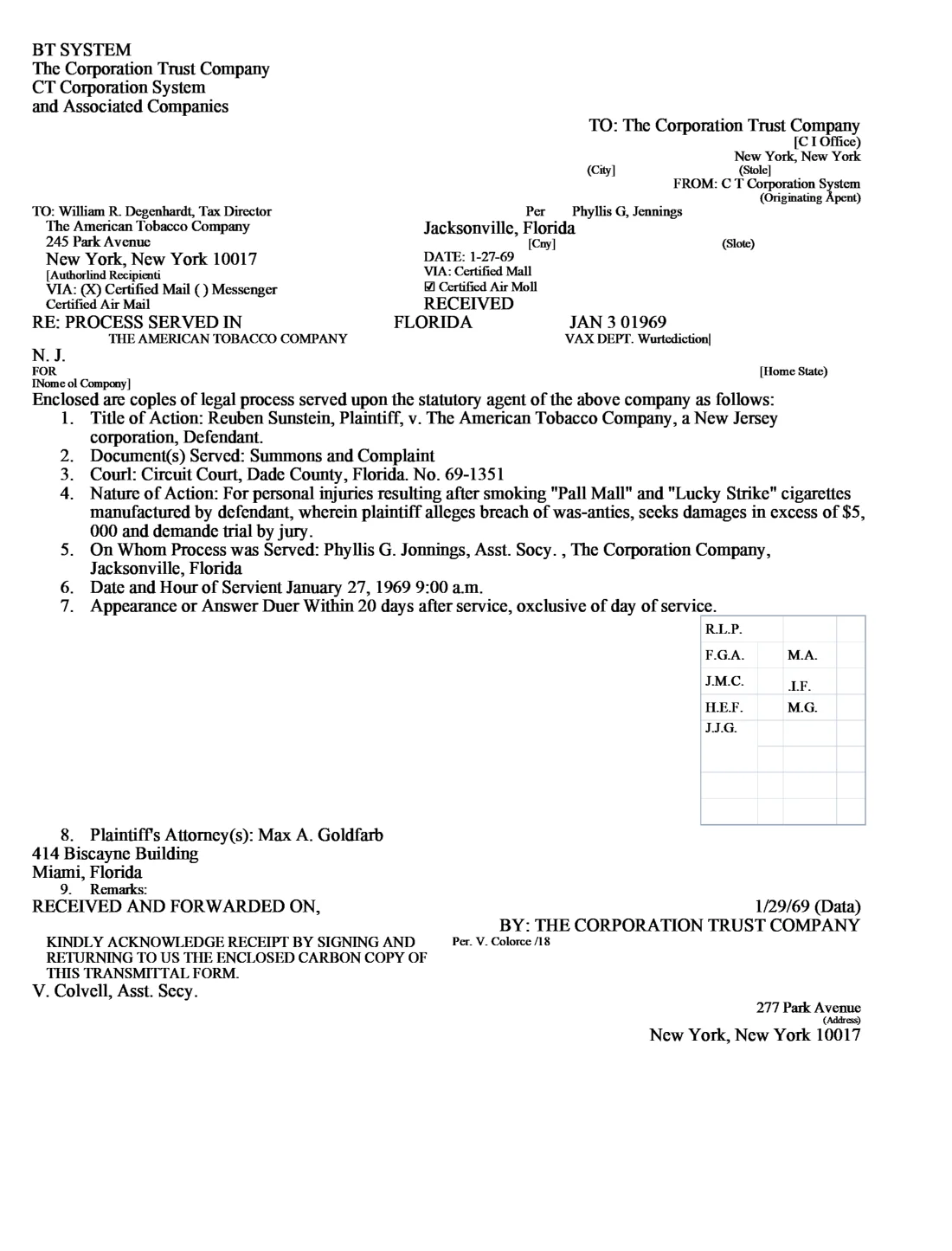
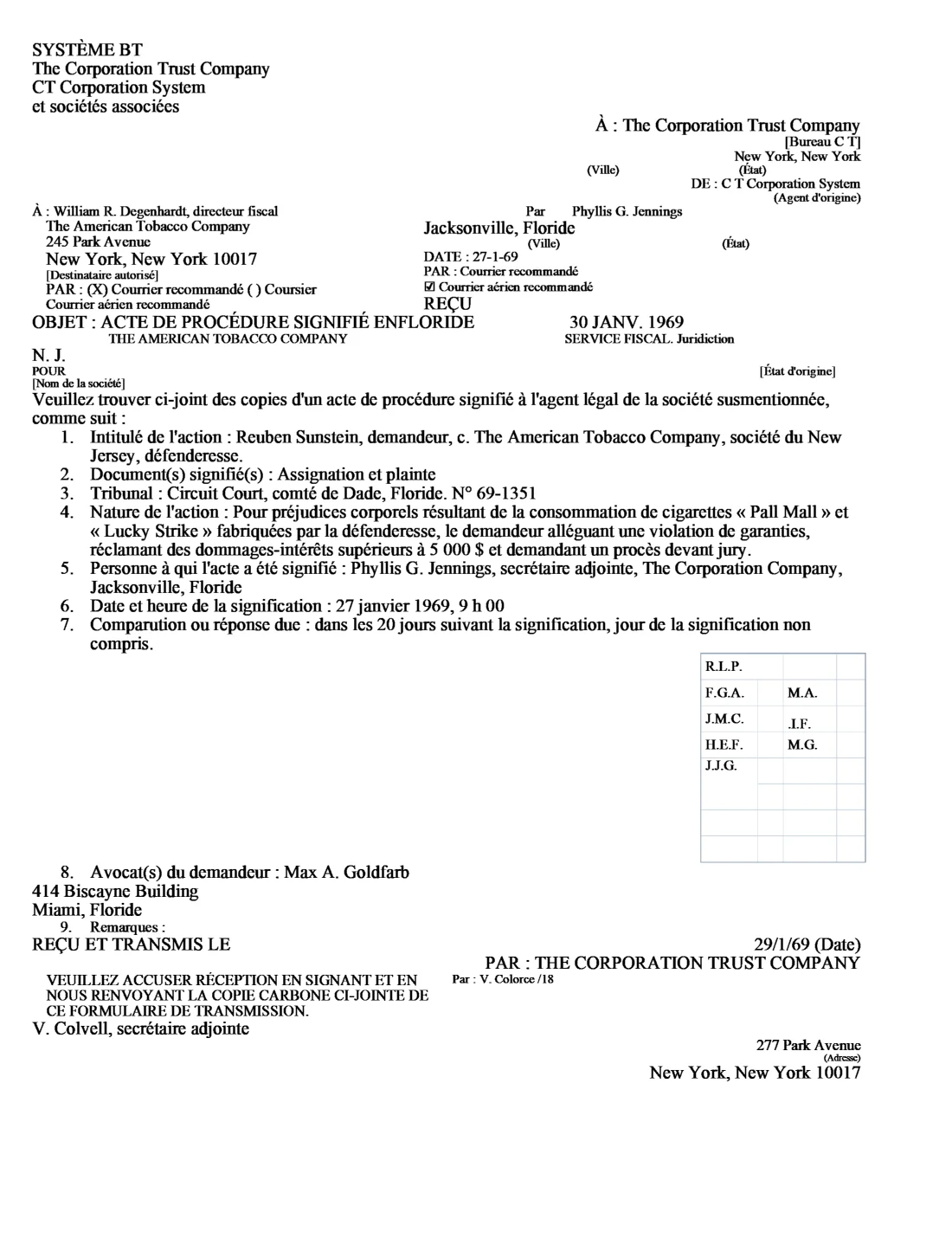
The same text in a desktop OCR file with frames
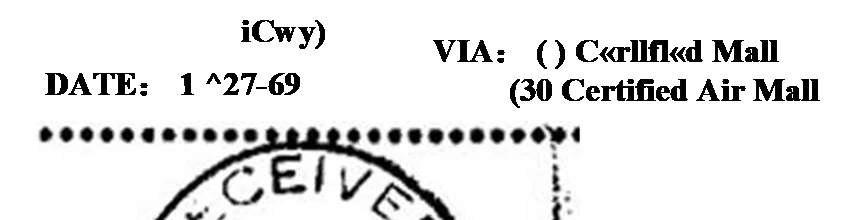
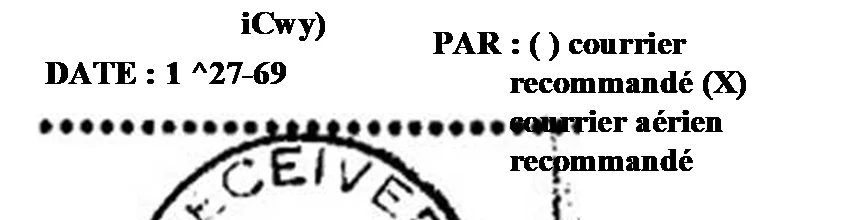
What came through, and what needed fixing
Came through
- The same lists and tables as the English file
- Longer French lines re-wrap in place
- Dates and amounts in French style: “5 000 $”
Needed a quick fix by hand
- Scanning misreads in names stayed, such as “SYSTÈME BT”
- One tab stop runs two words together
Download: English (DOCX, 5 KB) · French (DOCX, 5 KB) · desktop OCR file in French (DOCX, 23 KB)
How it works
Questions from translators and agencies
Does it work in CAT tools?
Yes. It is an ordinary .docx with no text boxes or frames.
How is translation priced?
By characters, without spaces: 1 credit per 2,000 characters, or per 1,000 Chinese, Japanese or Korean characters. You see the total first.
What formatting is kept?
Styles, lists and tables, and bold, italic, colour or highlighting inside a sentence, moved onto the translated words they belong to.
Can we translate Word files we already have?
Yes. Upload a .docx in the Translate tab.
Who processes the files?
Microsoft’s document-reading service in the eastern United States reads scanned pages; Anthropic translates what you choose. See who processes your data.
Try it on one of your files
Your first page is free. No account needed.