

Scanned legal documents to Word you can actually edit
Agreements, pleadings, exhibits and schedules, with real paragraphs, numbered lists and tables, not text boxes.
- 1 page free, no account
- PDF, JPG, PNG · 50 MB
- Deleted after 24 h (how we handle your files)
A Word document should behave like a Word document.
Other OCR tools place text in hundreds of frames. OrigaDoc rebuilds real Word paragraphs, lists and tables.
- 0frames or text boxes in OrigaDoc’s Word files
- 631frames and text boxes in a leading desktop OCR program’s Word files
- 11 scanscompared side by side
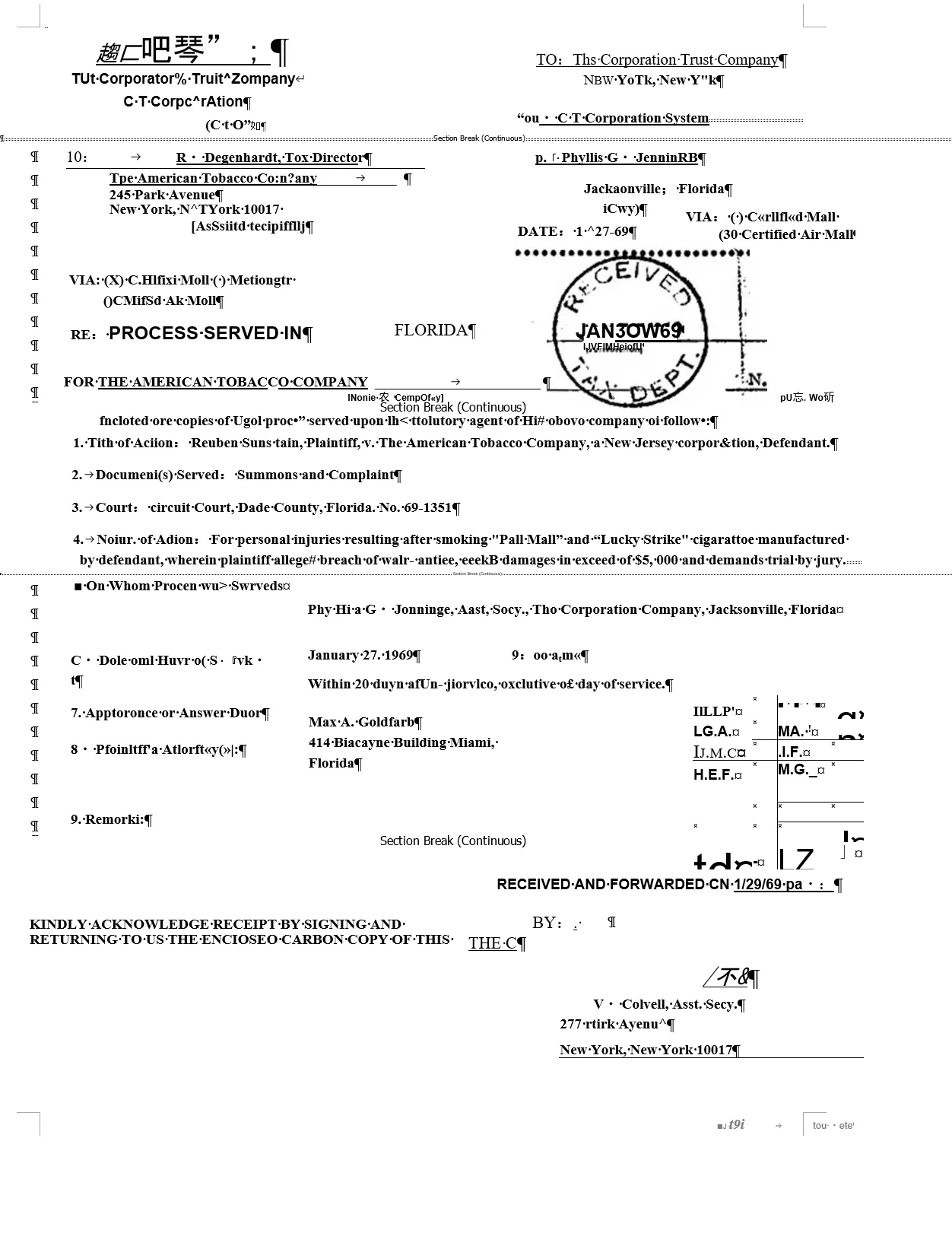
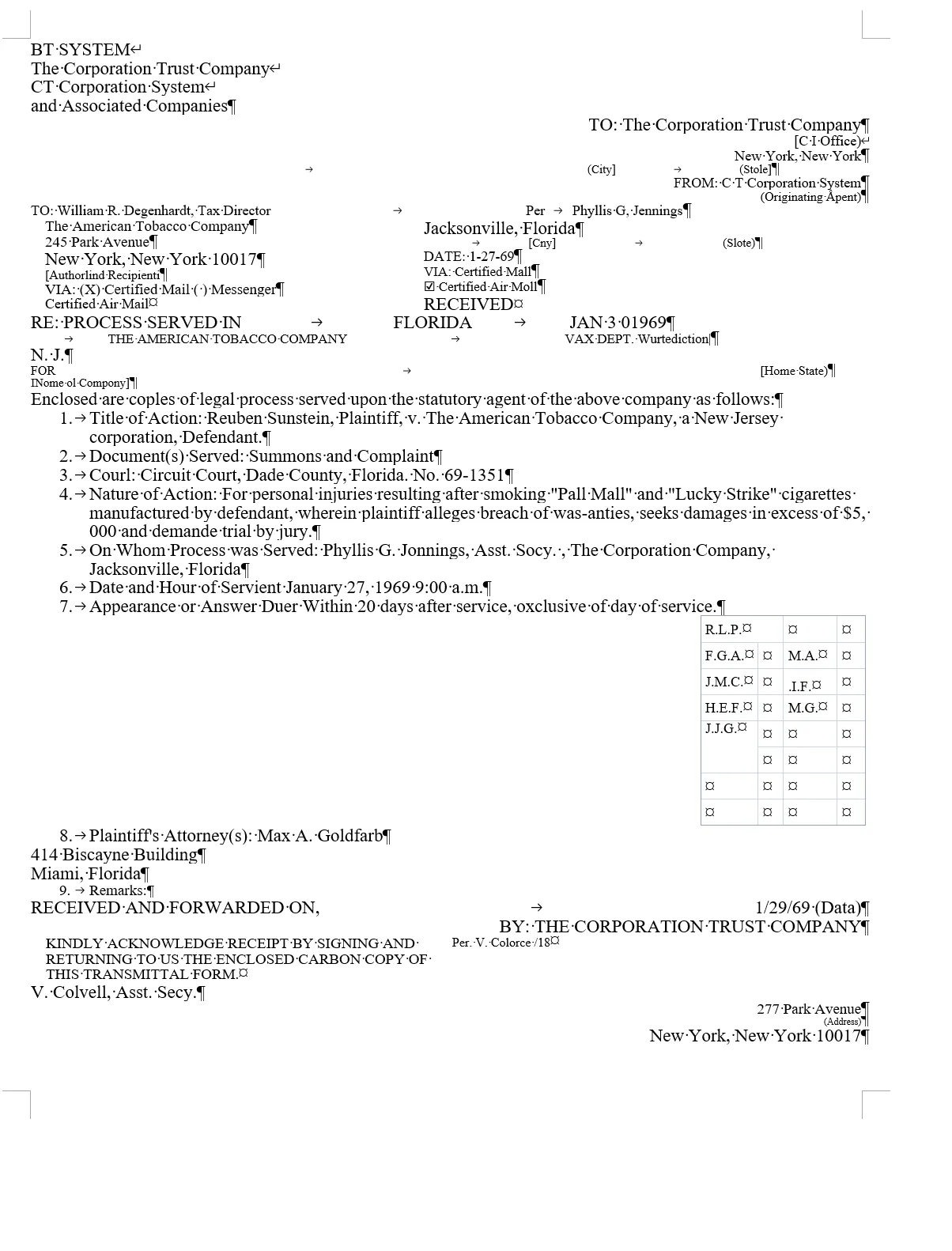
Counted in each Word file of these 11 scans only. Other programs and settings will give other results; every file can be downloaded on the Examples page.
Built for legal documents that don’t convert cleanly
- Contracts
- Pleadings
- Exhibits
- Schedules
- Archived files
- Signed documents
- Forms (incl. handwritten)
- Third-party documents
What you get in the Word file
-
Real Word structure
Clauses as lists, schedules as tables.
-
Misreads flagged
Possible OCR errors listed for review.
-
Redactions stay redacted
Text under a black box is never recovered.
-
Handwriting to text
Highlighted so reviewers can check it.
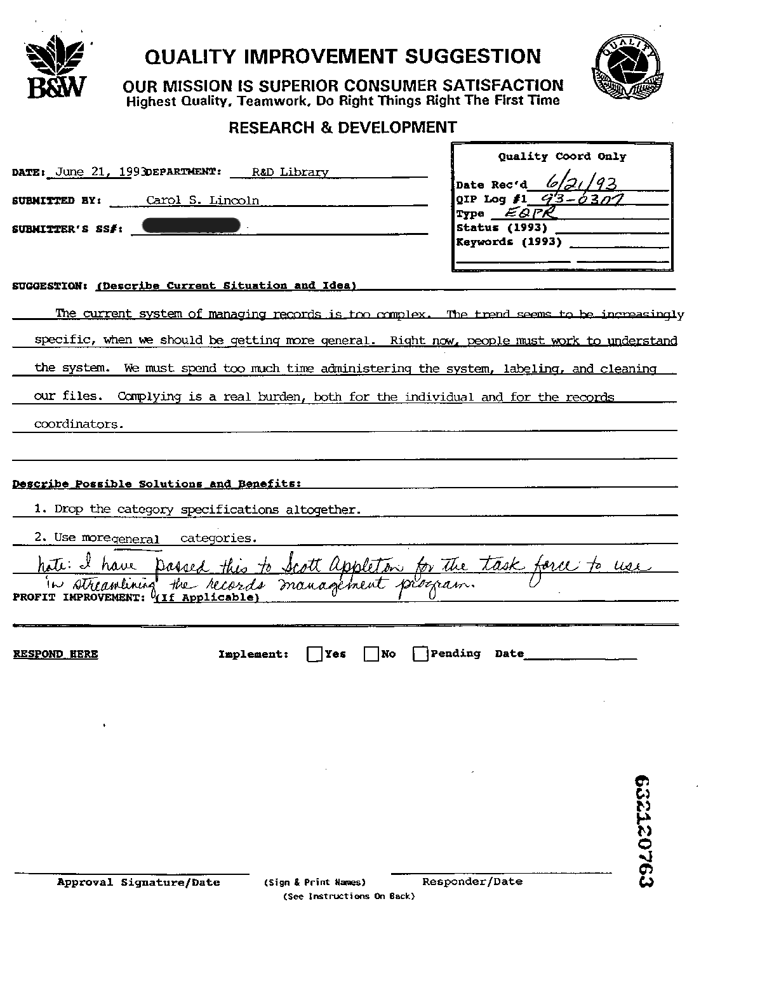
Worked example
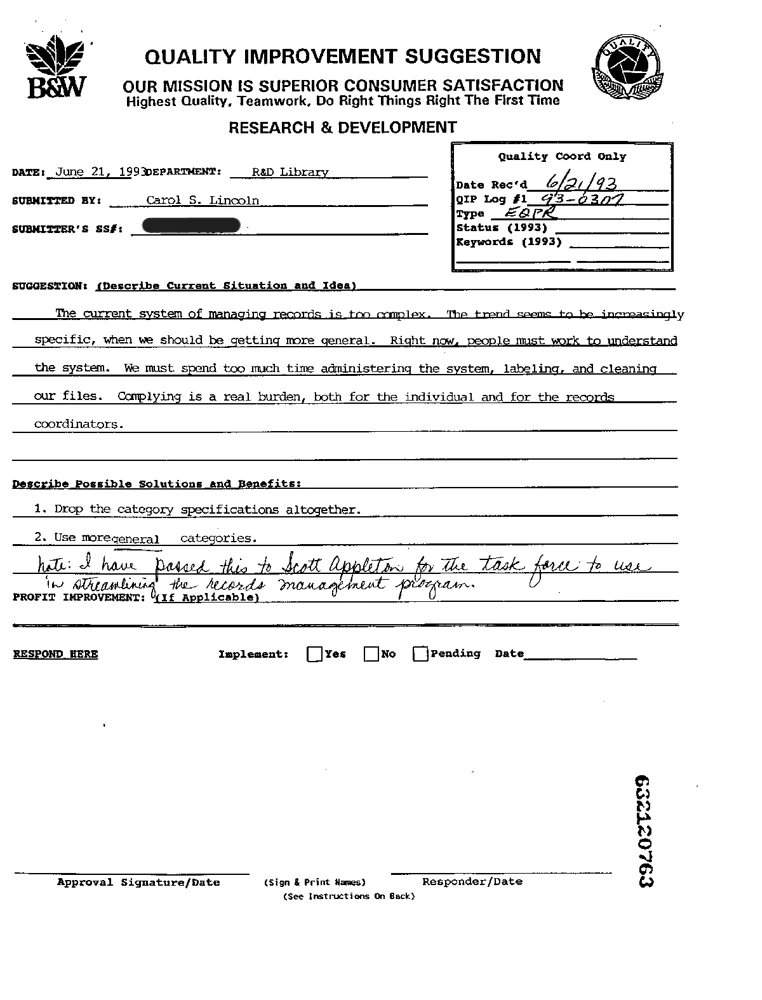
A form with a handwritten note and a blacked-out number
A real 1993 scan, converted once and not edited.
What came through, and what needed fixing
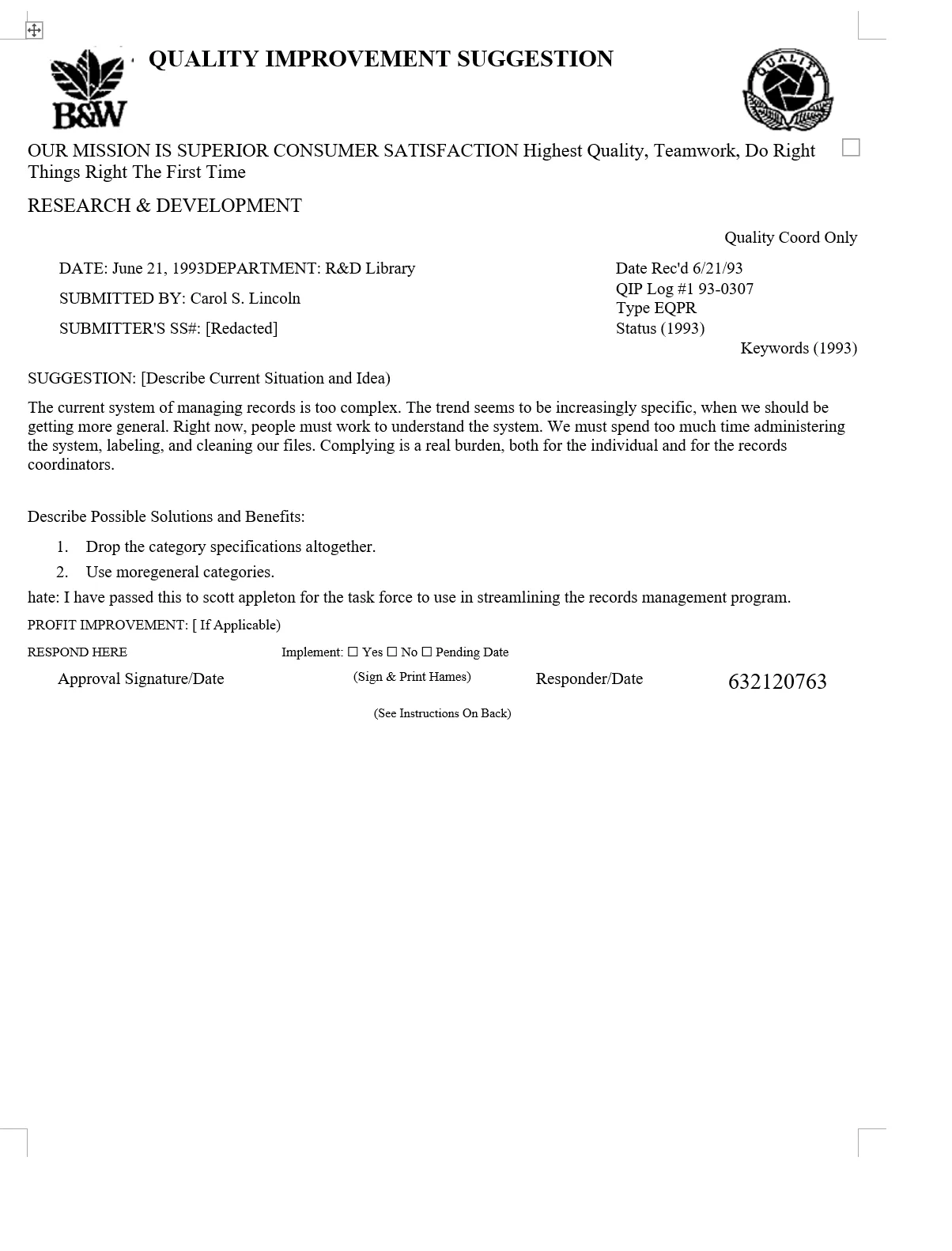
Came through as editable Word
- The handwritten note as typed text
- The blacked-out number as “[Redacted]”, with nothing recovered
- Tick boxes and a numbered list
Needed a quick fix by hand
- A few misread words, such as “hate:” for “Note:”
- Times New Roman instead of the typewriter font
Download: the scan (PNG, 217 KB) · OrigaDoc’s Word file (DOCX, 16 KB)
Spend your time on the document—not rebuilding it.
From US$0.05 a page. See pricing
Fits how a firm works
-
Organized by matter
Projects by matter number and client.
-
One account for the team
Shared credits, limits per person, usage CSV. Larger firm? Contact sales.
-
Account security
Two-step sign-in, sign out everywhere.
Know where your documents go
Not sent to generative AI
Converting doesn’t use one. Translation uses Anthropic only if you choose it.
Read by Microsoft
Scans and complex pages, in the eastern US. Plain digital pages stay on our server.
Private, auto-deleted
14–90 days by plan, or as short as 24 h. Delete any time.
Only you can open it
Your firm’s admins see usage, never documents.
Encrypted connections · Not used for anything but converting and translating
Try 1 page free
Not ready to upload a client document? Try a public filing, or download our scans and Word files first.
- Upload
- Choose pages
- Convert
Upload a PDF
or drop a PDF or image here
- 1 page free, no account
- PDF, JPG, PNG · 50 MB
- Deleted after 24 h (how we handle your files)
Questions from law firms
Is our document sent to a generative AI model?
No. Converting never uses one. Anthropic receives text only if you choose to translate. See who processes your data.
Can admins or IT see our documents?
No. Admins see page counts and dates only.
Can we try it without uploading a client document?
Yes. Download the scans and Word files on this page or on the examples page and open them in Word. Or convert a page that isn’t confidential: the free page needs no account and is deleted after 24 hours.
Does OrigaDoc redact for us?
No. It keeps redactions that are already applied: text under a black box isn’t recovered. A redaction that was only marked, not applied, still shows its text, and that text is converted. Check very small redactions and ones inside tables.
Does multi-level numbering survive?
Lists keep one level, so check sub-clauses such as (a) and (b).
What should we check after converting?
Names, numbers and dates, especially handwritten ones; sub-clause numbering; signatures and stamps, which can come through as stray text; and fonts: Latin text comes out in Times New Roman. Flagged words narrow the search but won’t catch every mistake.
Which files can we convert?
PDFs and images (JPG or PNG) up to 50 MB. Password-protected PDFs, including ones that only restrict editing, can’t be converted.